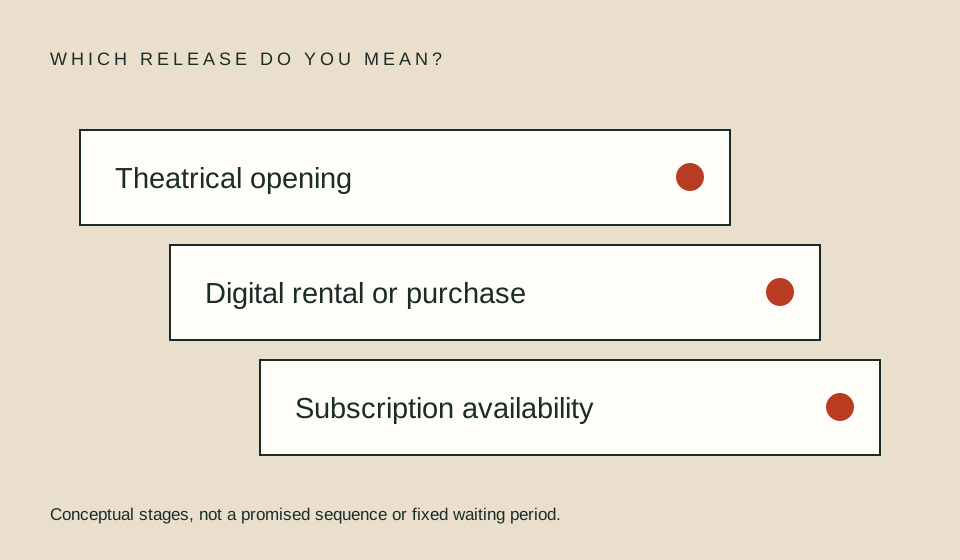
A release date tells you when a particular kind of distribution is announced, not automatically when your subscription can play the title. Identify the country, release stage, provider, and whether the date covers a film, a season, or one episode. If the announcement gives no clock time, do not turn the date into a precise countdown.
Name the release event
Start by asking what happens on the date. Is it a theatrical opening, festival showing, digital rental, digital purchase, subscription premiere, live broadcast, or next episode? These events are different even when a search result compresses them into a single phrase such as “out Friday.”
Use a plain note: “This announcement concerns this event in this country.” If you cannot complete that sentence, read the original source before scheduling. A release event outside the US may help identify a title’s distribution history, but it does not establish the US viewing offer. Keep geography visible in every planning record.
Find the original announcement
Follow a news story or social post to the provider, distributor, network, or official program page it cites. Read the date in context rather than relying on a headline. Look for later corrections or a more recent title page. A newer page matters when it actually updates the same event; recency alone does not make an unrelated article authoritative.
Separate the announcement’s publication date from the release date. A page published on a Monday can announce a Friday premiere, and a recent article can discuss an older production. Write the year explicitly when the source supplies it. Do not infer a year merely because the page was returned by a search for the current year.
Distinguish a date from a time
A calendar date without a zone and clock time cannot define a single worldwide instant. Keep it as a date-only entry until an official source supplies more detail. If a provider has general release guidance, read its exceptions and check for a title-specific announcement before applying it.
Netflix’s official guidance describes a typical midnight Pacific release for originals and notes exceptions. It does not establish a universal schedule for every service, weekly episode, or local release. This site’s time-zone guide explains how to convert an actual announced time without expanding a general convention into a guarantee.
| Announcement says | Safe interpretation | Unresolved detail |
|---|---|---|
| In theaters on a date | Theatrical event | Home streaming route |
| Available to rent | Rental offer expected | Subscription inclusion |
| Season premieres | Start of that release | Full season or weekly? |
| New episode at a time | That episode’s timing | Other episodes’ dates |
| Coming soon | Future intention | Confirmed date and time |
Check the release pattern
Determine whether the season arrives all at once, in parts, weekly, or on a special event schedule. A premiere date can refer to the first installment rather than the entire season. Look for an episode list or official schedule that answers the scope of the release.
For an illustrative eight-episode season, a weekly premiere and a full-season launch produce different viewing plans even if both begin on the same date. Do not calculate a finale by adding seven weeks unless the official schedule supports uninterrupted weekly releases. A hiatus, double episode, or changed pattern would invalidate that assumption.
Plan with uncertainty visible
Use separate fields for confirmed date, confirmed time, source zone, viewing route, and status. “Announced date; time not specified” is a useful status. It lets you prepare without pretending to know more than the source establishes. Set a personal reminder to check again instead of presenting a speculative countdown as fact.
If you need to coordinate a group, communicate the uncertainty directly. “We will confirm the playback window before choosing the start time” is more practical than asking everyone to stay awake for an assumed midnight release. You can plan device setup and account access independently of the unresolved premiere time.
Recheck before paying for a premiere
A release announcement is not a checkout entitlement. Before subscribing, verify the current title page, correct season, plan, and account route. If a release is postponed or a title page remains unclear, do not let a sunk planning effort become the reason to purchase an unsuitable subscription.
Use the budget planner only after identifying the cycles needed. A premiere near the end of your viewing period may require a different plan from a full season already available. The calculator does arithmetic, not release prediction. It cannot establish whether a title will still be included when you return to watch it.
FAQ
Is a digital release the same as subscription streaming?
No. Read whether the offer is rental, purchase, or included subscription access. The phrase alone is not enough.
Does “season premiere” mean every episode is ready?
No. Confirm the episode release pattern and the scope of the announcement.
Can I create a countdown from a date alone?
You can make a personal date reminder, but there is no confirmed precise instant without a time and source zone. Label any assumption clearly.
More in this lane
- Convert release time zones
- Weekly and split-season schedules
- Rental expiry planning
- Subscription rotation
- Finish a season
- Plan a group watch
Sources
- Netflix official release guidance — typical service timing and exceptions; not a cross-service rule.
- Paramount Press Express — example of an official announcement destination; verify the individual program and country.