Choose between renting, buying, and subscribing by comparing access to the same title over the period you actually need. A rental can suit one planned viewing; a subscription can suit several included titles; a digital purchase may suit repeat viewing, subject to its license. First confirm that each route covers your exact edition and season.
Define what you need to watch
A film night and a season-long watch are different decisions. Write down whether you need one viewing, repeat access, the whole season, or only the remaining episodes. Add the date you intend to watch. An offer available today can be unhelpful if its rental clock expires before your group can meet.
Keep accessibility and language needs in this definition. A lower-priced edition is not equivalent if it lacks the audio track or captions you need. Check the available format on the offer page and, where possible, in the playback options. Do not assume that every listing for the same film carries identical features.
Compare full checkout costs
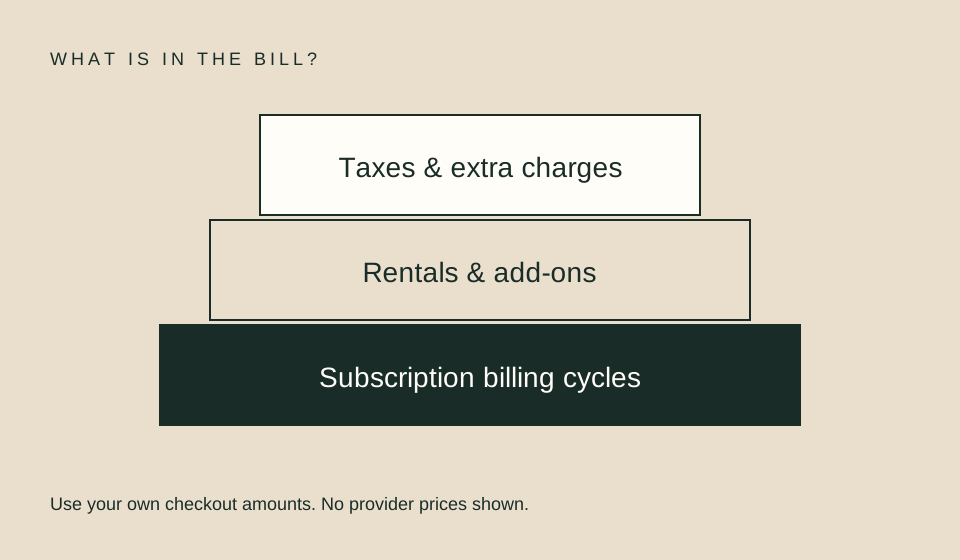
Use the current offer presented to your own account. Record taxes, required add-ons, and the number of subscription cycles needed. A recurring monthly amount is not the cost of the whole viewing plan unless you only need one cycle and stop renewal according to the applicable terms.
For an illustrative example, suppose a rental costs $6, a purchase costs $18, and an included subscription route costs $12 for one cycle. One viewing costs $6 through the rental, assuming you finish inside its window. Three separately paid $6 rentals total $18. That arithmetic does not prove the purchase is equivalent: edition, availability, license terms, and future access still matter. None of these amounts is a current provider quote.
Treat the rental window as a constraint
Find both the deadline to start and the deadline after starting. Keep the actual transaction’s terms with your receipt. A long start window does not necessarily give the same amount of time after the first play. Avoid pressing play as an exploratory test if doing so starts the shorter clock.
For example, Apple’s rental help describes 30 days to start and 48 hours after starting. Prime Video’s help describes a 30-day library period and at least 48 hours after play, with longer periods for some titles. Read the actual offer rather than applying either provider’s wording to every rental service.
| Your need | Route worth investigating | Main unresolved question |
|---|---|---|
| One film tonight | Rental | Can you finish within its window? |
| Several included shows | Subscription | Are all required seasons included? |
| Repeat viewing | Digital purchase | What does the license permit? |
| One specific channel catalog | Add-on | Is another base plan required? |
Understand what purchase means
A digital purchase is an entitlement within a service, not a promise from this site of unrestricted permanent ownership. Read the service’s terms about supported access, account requirements, downloads, and licensing restrictions. Prime Video explicitly notes circumstances in which purchased content may become unavailable.
Keep your receipt and confirm that the title appears in the account used for purchase. Do not buy again in a different app simply because a device’s universal search shows another payment button. Trace the original storefront and signed-in account first. The same screen can expose multiple routes without merging their entitlements.
Test a subscription against a real watchlist
List the titles you intend to finish in the next cycle, not every interesting poster in the catalog. Check each one. A subscription can feel economical while the only title that motivated it still costs extra. Include any channel add-on in the combined price rather than treating it as part of the base plan by default.
Use the budget planner with your own numbers. If two routes differ mainly in convenience or viewing time, record that tradeoff rather than forcing the answer into cost per hour. Watching more to justify a subscription does not reduce the amount charged. The metric describes a plan; it should not dictate your leisure time.
A decision you can review later
Before authorizing payment, write one sentence: “I am choosing this route because it gives this edition, in this account, for this viewing period, at this total quoted cost.” If any part is unknown, resolve it first or retain it as uncertainty. This makes promotional language less likely to substitute for the entitlement you actually want.
After purchase, verify the confirmation and the title in your library or account. If something is wrong, use the provider or billing partner’s support route promptly. This guide does not promise refunds or a cancellation outcome; those depend on the relevant terms and circumstances.
FAQ
Is renting always cheaper for one film?
Not necessarily. Compare current offers, including any existing entitlement. A film already included in a subscription you hold may not require another payment.
Is a digital purchase permanent ownership?
Do not assume unrestricted ownership. Read the applicable license and service terms, including circumstances affecting access.
Can I compare using advertised monthly prices alone?
Only if that captures the whole plan. Include the cycles, taxes, add-ons, and separate title charges that apply to your intended viewing.
Related guides
Sources
- Apple rental help — rental start and viewing windows; verified official English page, localized URL.
- Prime Video rental and purchase help — transaction options, rental timing, and purchase-access caveats.